AI photo styles
Turn one photo into many finished art styles
Browse dedicated Ghibliy AI style generators for Ghibli-inspired art, anime portraits, watercolor paintings, sketches, cartoons, pixel art, cyberpunk edits, and coloring pages.
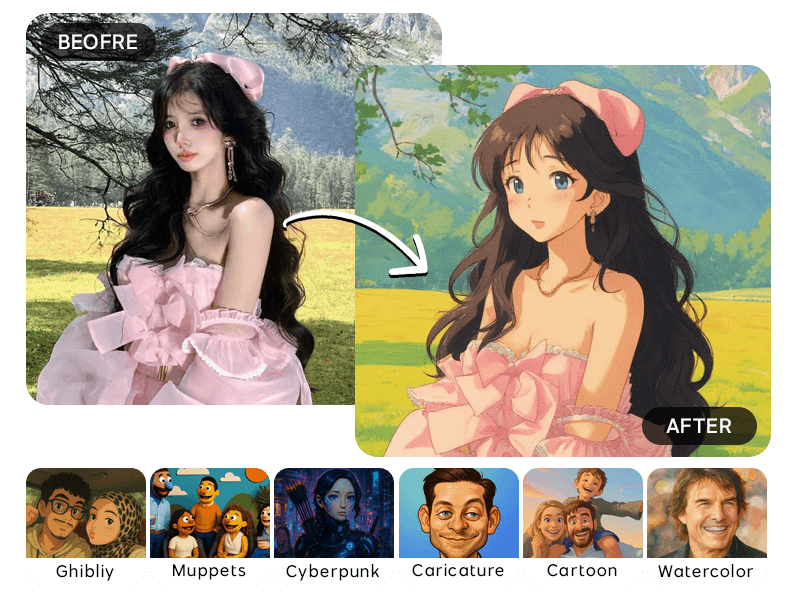
Choose a Style Generator
Each style page includes practical tips, best-use cases, and a direct path into the generator with the right style preselected.

Ghibli Image Generator
Transform your photos into Studio Ghibli-style artwork
View style guideCreate with this style
Anime Image Generator
Transform your image into anime-style artwork.
View style guideCreate with this style
Watercolor Image Generator
Transform your image into a beautiful watercolor painting style.
View style guideCreate with this style

Cyberpunk Image Generator
Convert your image into cyberpunk-style art.
View style guideCreate with this style
Pencil Sketch Style
Turn photos into a detailed pencil sketch style.
View style guideCreate with this style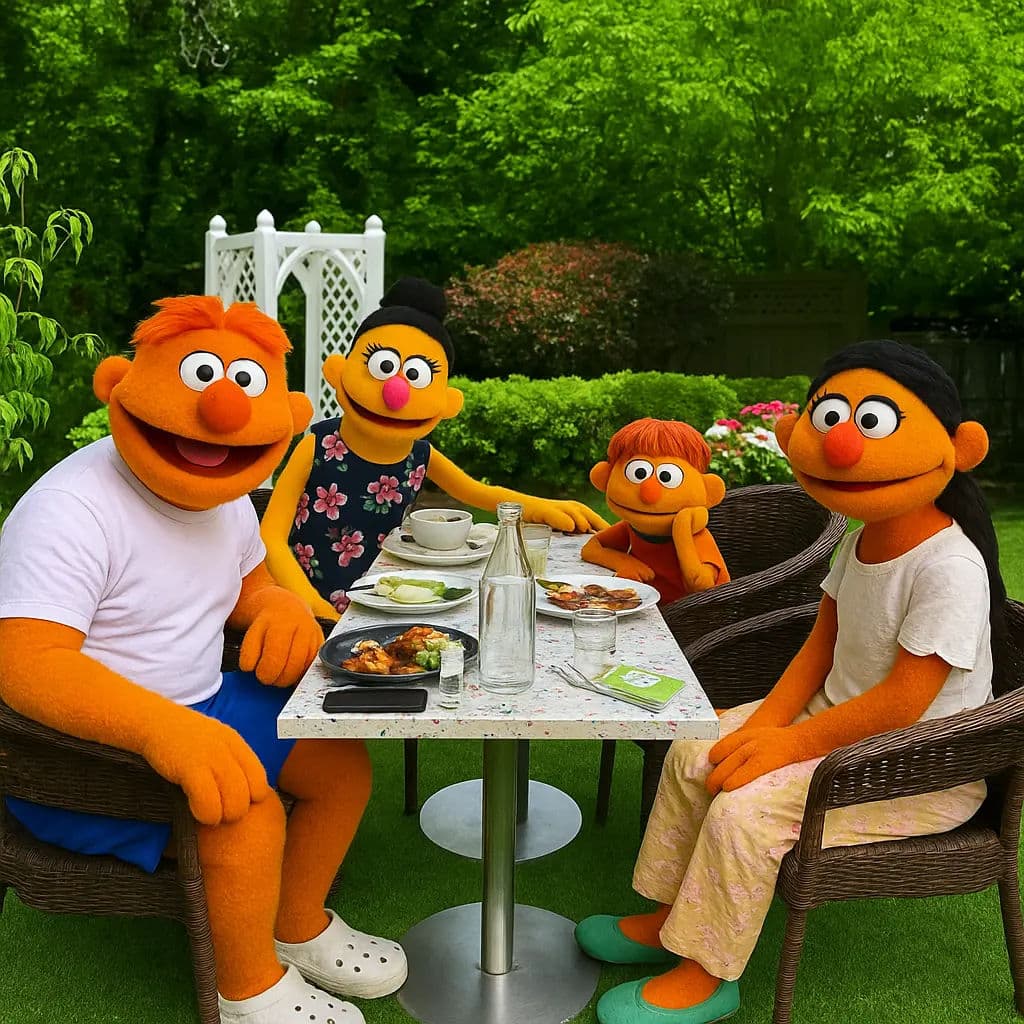
Muppets Style
AI tool to turn your photo into a Muppets-style character.
View style guideCreate with this style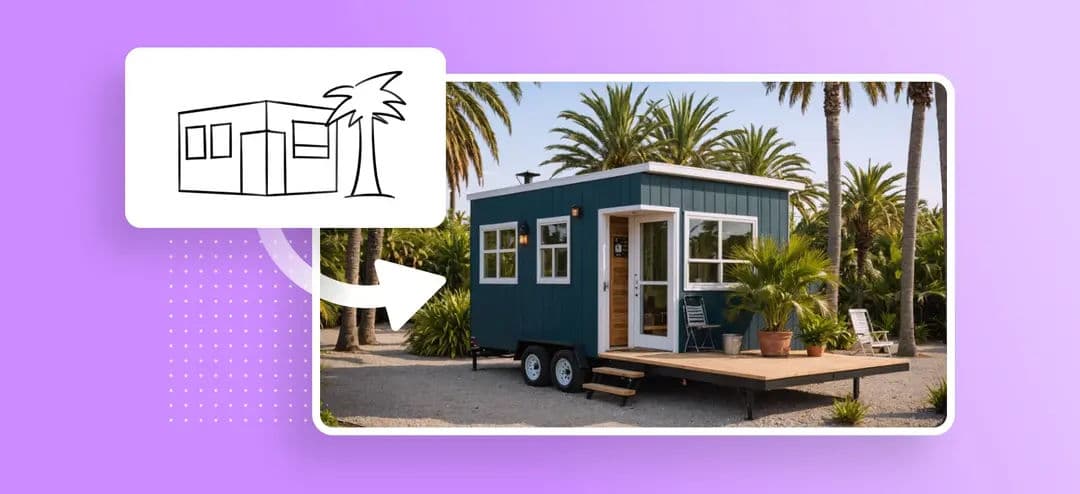
Sketch to Image
AI tool to turn sketches into realistic images.
View style guideCreate with this style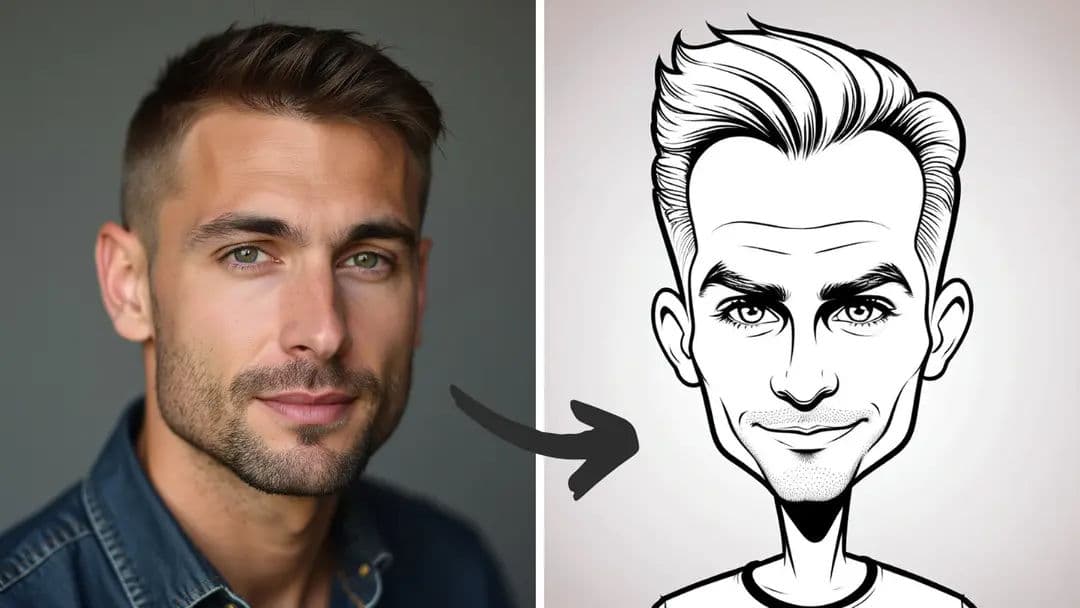
Caricature Style
Turn photos into fun caricatures with our AI tool.
View style guideCreate with this style

Coloring Page Style
AI tool to turn photos into coloring pages.
View style guideCreate with this stylePopular AI Style Pages
These guides are built for searchers who know the exact finish they want before uploading a photo.
Ghibli Style
Turn any photo into soft, storybook Ghibli-style art with Ghibliy AI. Upload a portrait, pet, landscape, or scene and create magical artwork online.
Anime
Convert photos into vibrant anime-style illustrations with clean linework, expressive shading, and polished character detail using Ghibliy AI.
Watercolor
Transform photos into soft watercolor paintings with gentle brush texture, blended color, and elegant paper-like detail using Ghibliy AI.
Pixel Art
Create retro pixel art from photos with a nostalgic game-inspired look, limited color palette, and crisp pixel detail.
Cyberpunk
Turn photos into futuristic cyberpunk images with neon light, high contrast color, cinematic atmosphere, and sci-fi detail.
Sketch
Convert photos into detailed pencil sketch art with clean linework, shading, and hand-drawn texture using Ghibliy AI.
Caricature
Turn photos into playful caricature portraits with exaggerated features, bright color, and a fun cartoon finish using Ghibliy AI.
How to Pick the Right AI Art Style
Use Ghibli style for warm storybook scenes, anime for polished character art, watercolor for soft printable images, sketch for line drawings, and cyberpunk when you want a dramatic neon result.
If you are creating profile pictures, start with square output. For wallpapers, choose landscape. For phone backgrounds and posters, choose a vertical ratio before generation.