Art & styles
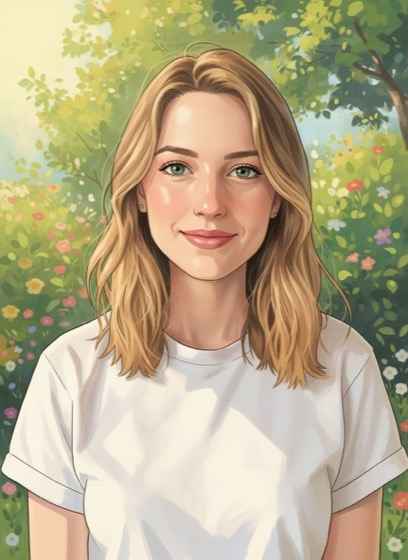
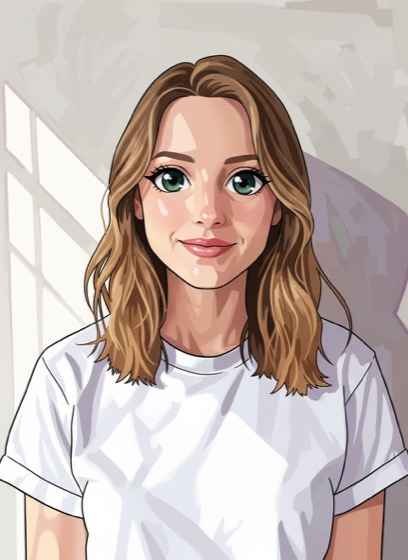
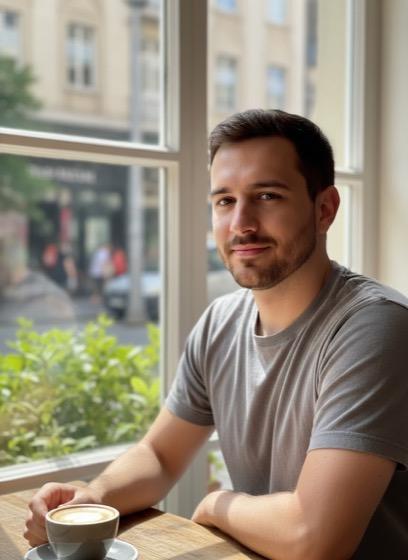
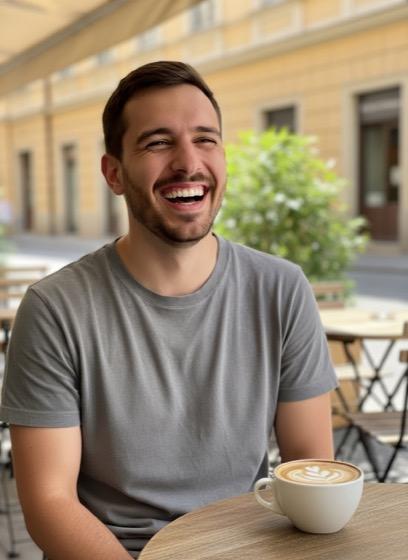
Turn your photo into Ghibli, anime, watercolor, pixel art, cyberpunk, sketch, cartoon and more. Nine hand-drawn looks from one upload.
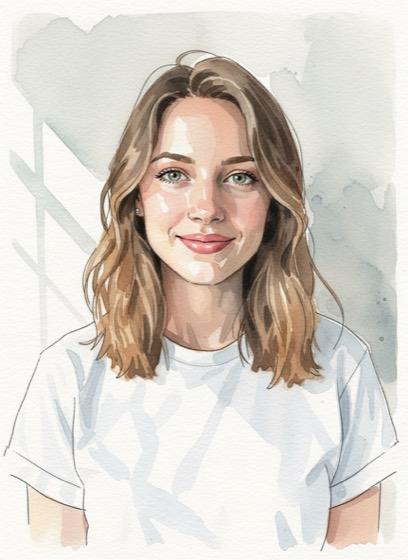
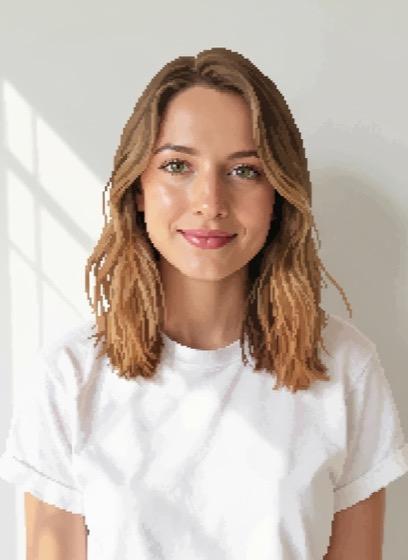
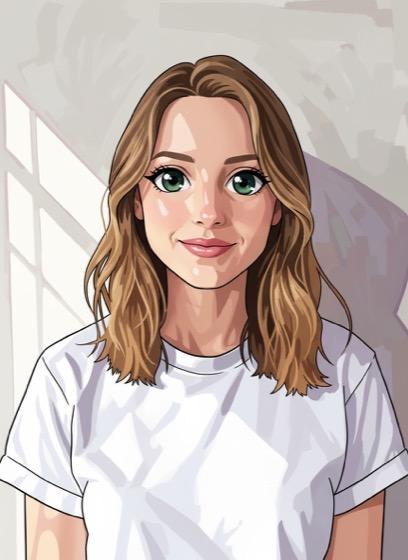
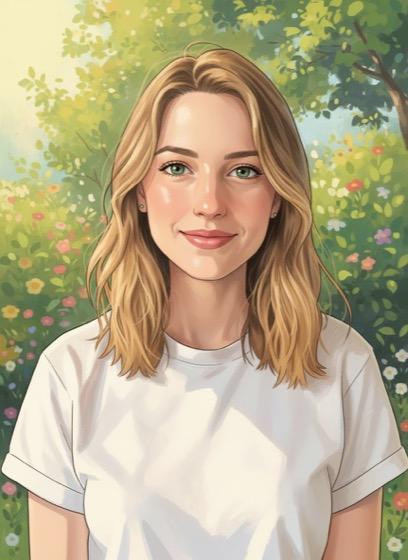 Studio GhibliReady in about 15 seconds
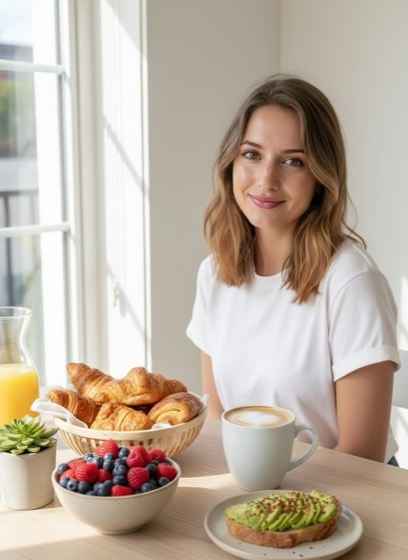
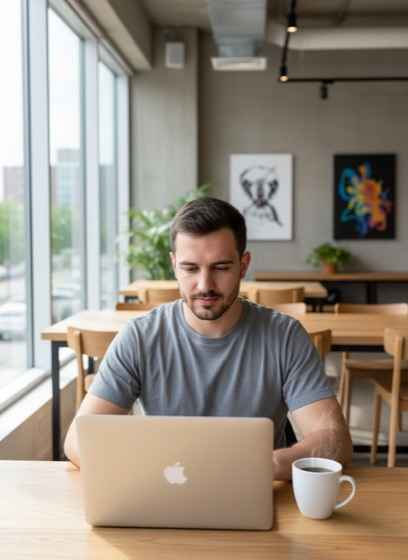
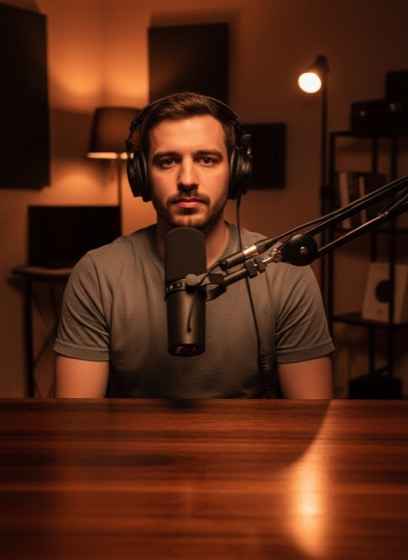
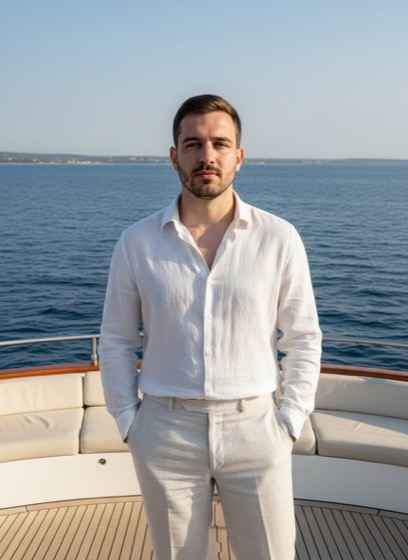
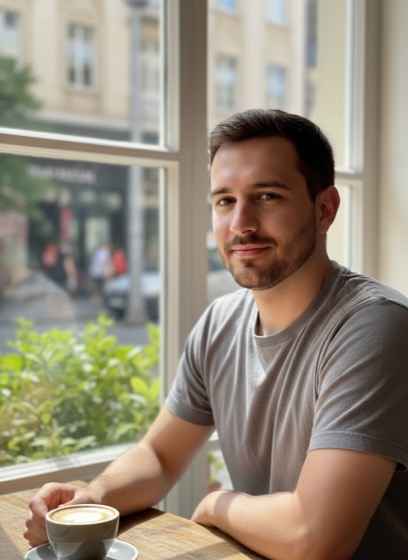
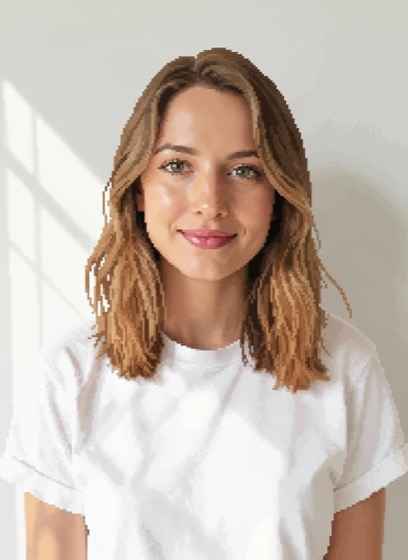
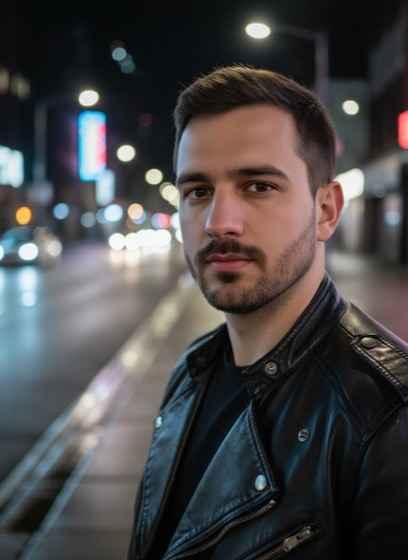
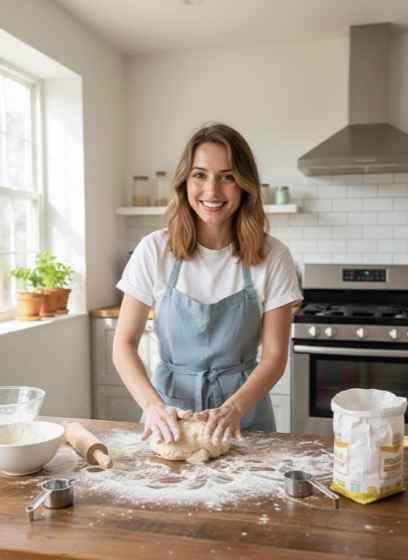
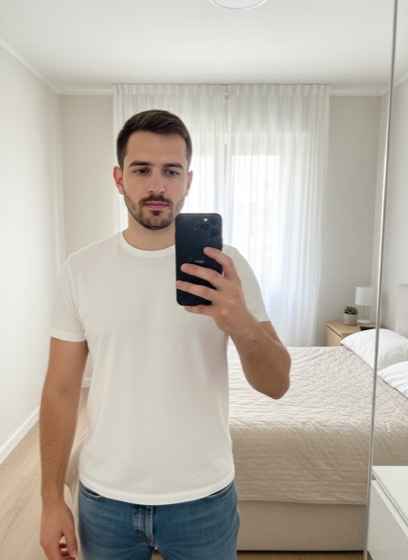
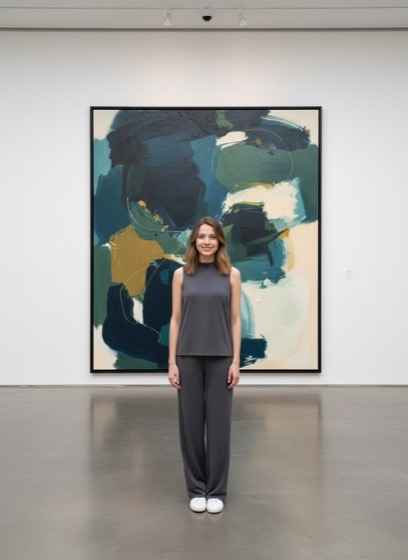
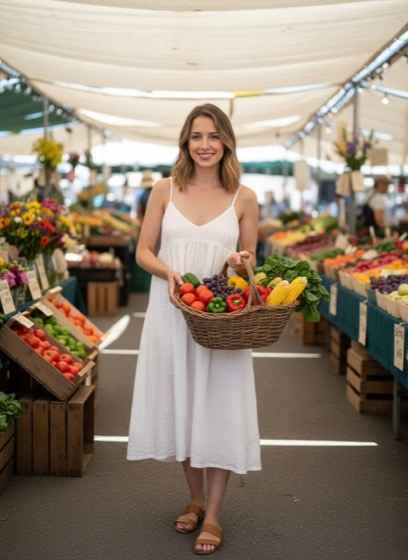
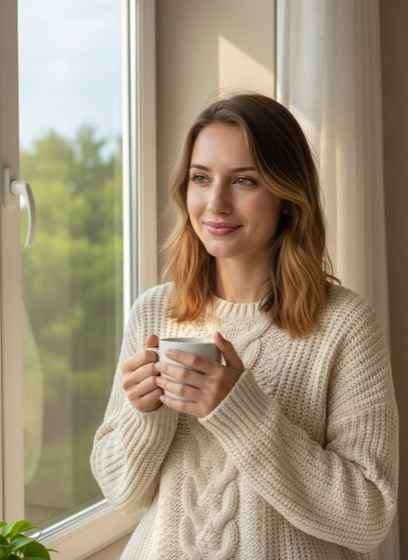
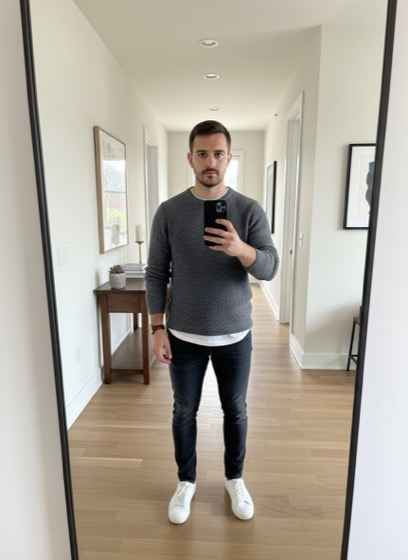
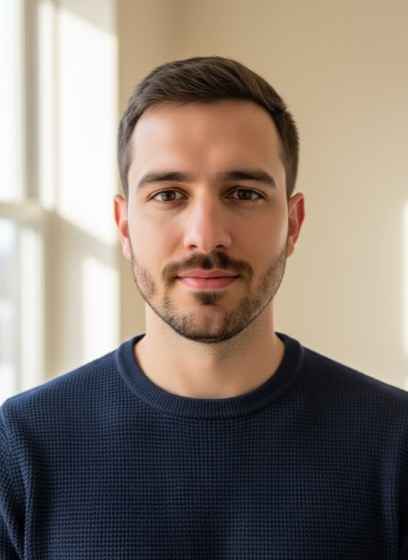
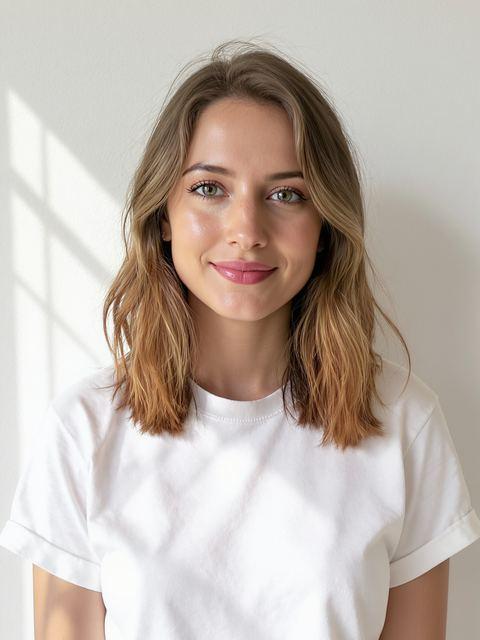 Your selfie
The pack
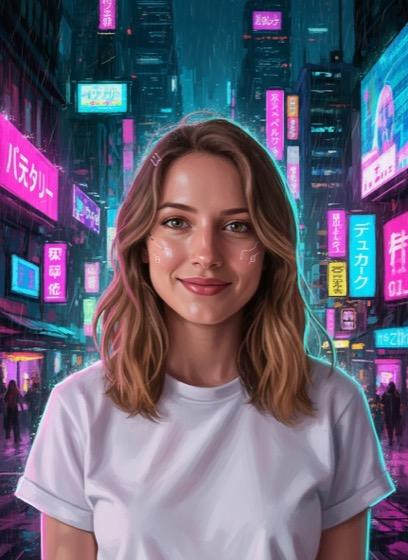
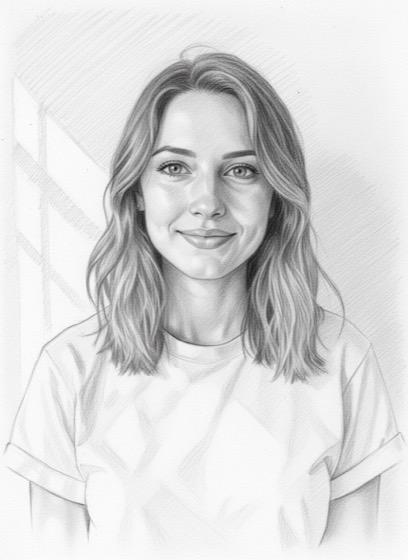
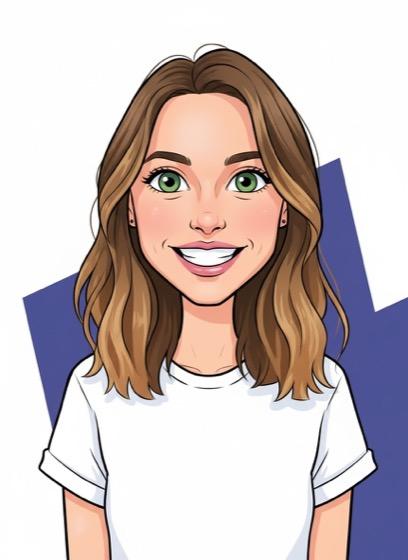
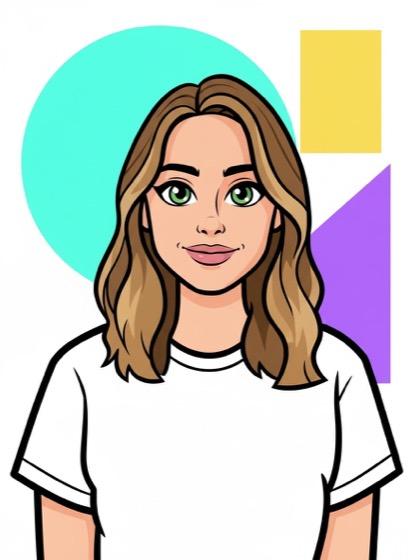
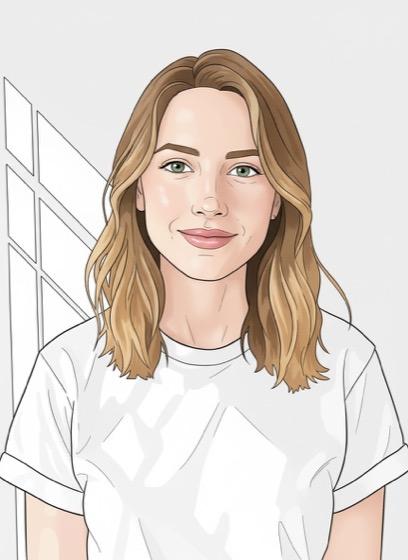
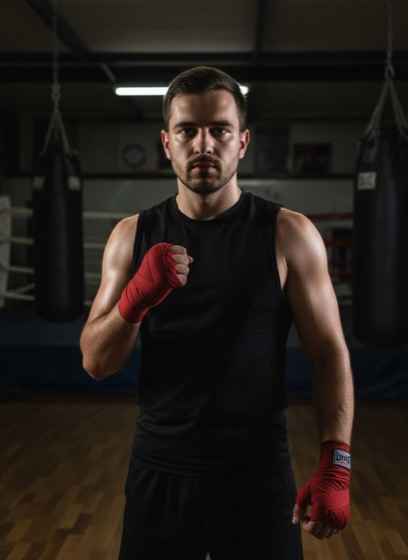
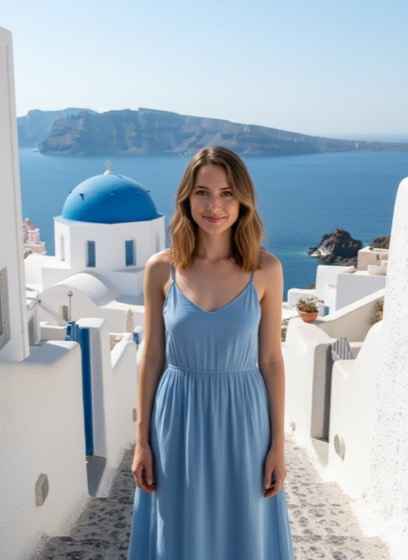
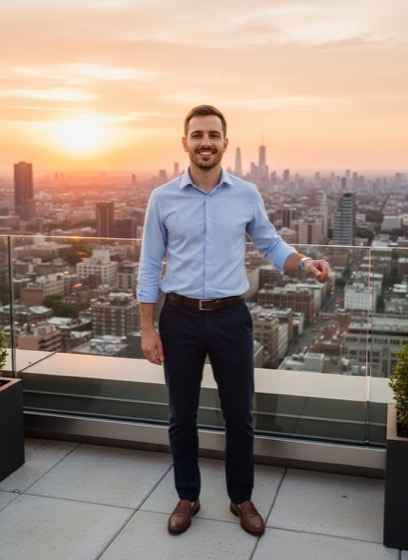
Examples use fictional, AI-generated people.
Under the hood
Every look is a plain-English instruction. Copy one, use it as is, or edit it in the studio to change the outfit, setting or mood.
Completely redraw this photo as a frame from a Studio Ghibli hand-drawn animated film: soft painterly anime faces with simple expressive eyes, clean thin outlines, flat warm cel colors, gouache-painted background with lush detail and gentle sunlight. This must look clearly illustrated, not like a photo. Keep the person recognizable: same face shape, hairstyle, hair color, expression and outfit, and keep the pose and framing.
Completely redraw this photo as a modern high-quality anime illustration: very large glossy anime eyes, simplified small nose and mouth, crisp clean line art, flat cel shading with hard-edged shadows, saturated vibrant colors and a stylized painted background. This must look clearly illustrated, not like a photo. Keep the person recognizable: same face shape, hairstyle, hair color, expression and outfit, and keep the pose and framing.
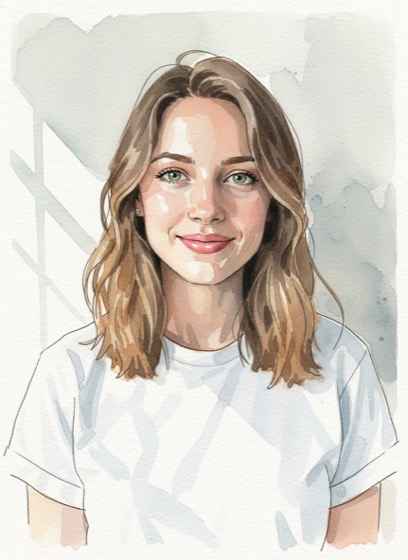
Completely repaint this photo as a loose watercolor painting on textured paper: visible wet washes, bleeding edges, soft pigment blooms, unpainted white paper highlights and ink-line accents. This must look clearly illustrated, not like a photo. Keep the person recognizable: same face shape, hairstyle, hair color, expression and outfit, and keep the pose and framing.
Completely redraw this photo as retro 16-bit pixel art: low resolution blocky pixels, limited color palette, dithering, clearly visible square pixels. This must look clearly illustrated, not like a photo. Keep the person recognizable: same face shape, hairstyle, hair color, expression and outfit, and keep the pose and framing.
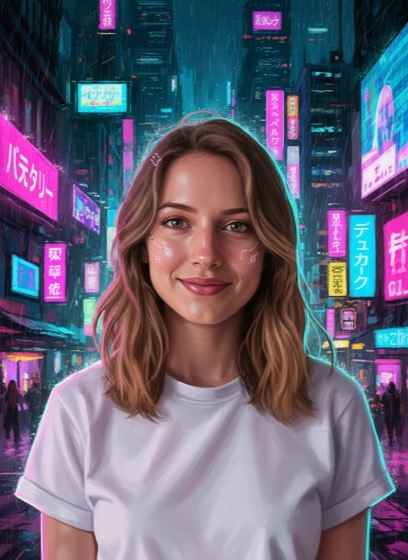
Completely re-render this photo as a cyberpunk illustration: neon magenta and cyan rim lighting, rainy futuristic city at night, glowing signs, subtle cybernetic details, high contrast digital painting. This must look clearly illustrated, not like a photo. Keep the person recognizable: same face shape, hairstyle, hair color, expression and outfit, and keep the pose and framing.
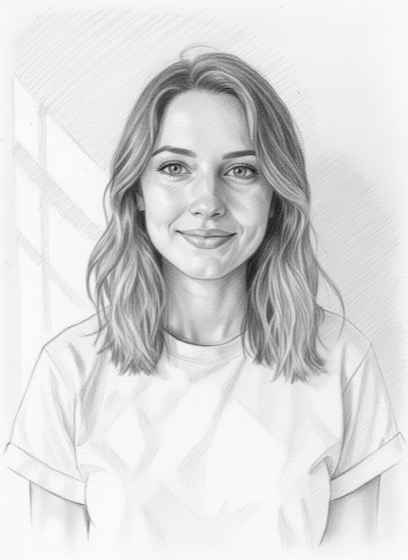
Completely redraw this photo as a hand-drawn graphite pencil sketch on white paper: visible pencil hatching and cross-hatching, soft shading, no color. This must look clearly illustrated, not like a photo. Keep the person recognizable: same face shape, hairstyle, hair color, expression and outfit, and keep the pose and framing.
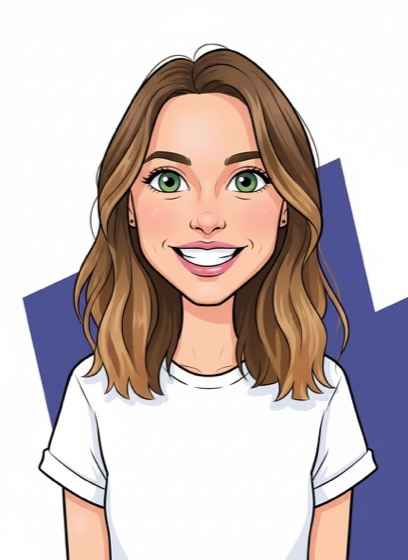
Completely redraw this photo as a playful caricature illustration: exaggerated head size and facial features in a friendly way, bold outlines, bright colors. This must look clearly illustrated, not like a photo. Keep the person recognizable: same face shape, hairstyle, hair color, expression and outfit, and keep the pose and framing.
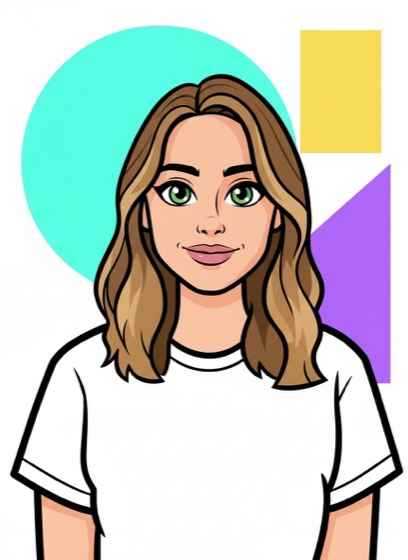
Completely redraw this photo as a bold 2D animated cartoon character: thick outlines, flat bright colors, simplified shapes, expressive big eyes, a simple colorful background. This must look clearly illustrated, not like a photo. Keep the person recognizable: same face shape, hairstyle, hair color, expression and outfit, and keep the pose and framing.
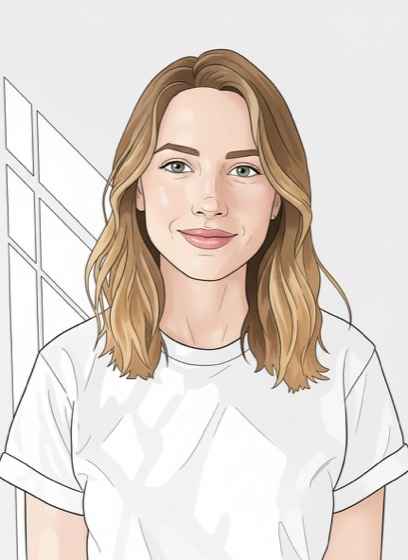
Completely redraw this photo as a black-and-white coloring book page: clean thick black outlines only, white fills, no shading, no gray, simple background details. This must look clearly illustrated, not like a photo. Keep the person recognizable: same face shape, hairstyle, hair color, expression and outfit, and keep the pose and framing.
How it works
One photo is all it takes. No training, no waiting.
A sharp, front-facing photo with good light works best. No extra selfies, no waiting for a model to train.
Open the studio, choose a look, and tweak the prompt or switch the AI model if you like. Run up to four at once.
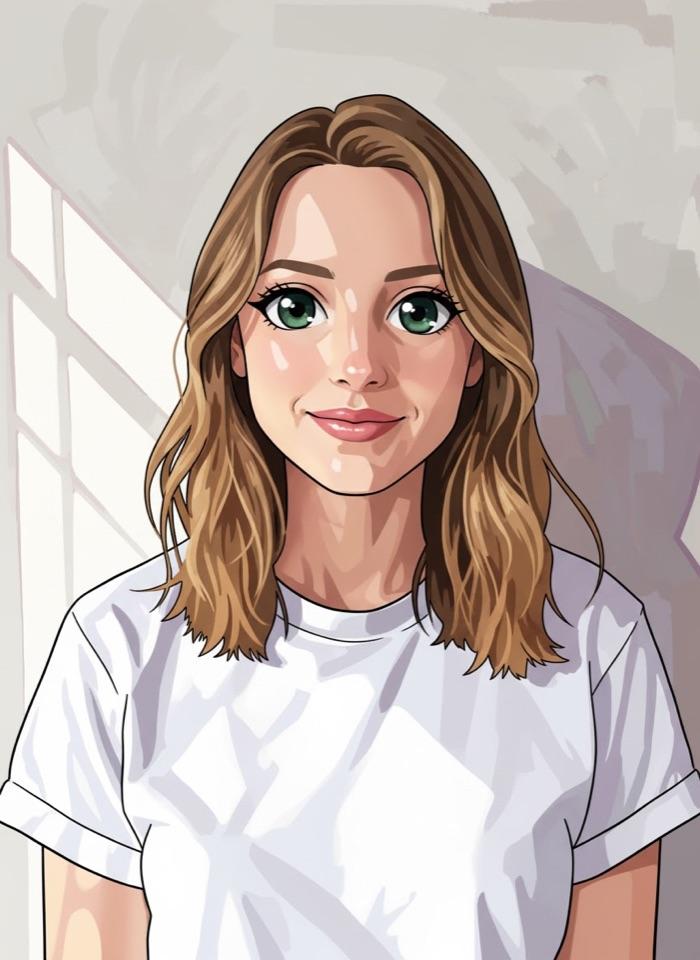 Anime Ready in 15s
About 15 seconds per photo at 4 credits each. If a generation fails, your credits come back automatically.
New accounts start with free credits. A full run of this pack is 36 credits, and credit packs start at $2.
Upload one clear photo of yourself, choose a look from the Art styles pack, and press Generate. Each look takes about 15 seconds and you can run several at once.
No. One photo is enough. The studio edits your photo directly, so there is no training step.
9 images so far, and more are added regularly. Open any of them to see its prompt, then you can edit the prompt or switch the AI model before you generate.
Each photo costs 4 credits. New accounts start with free credits, and credit packs start at $2. If a generation fails, your credits are refunded automatically.