Style & mood
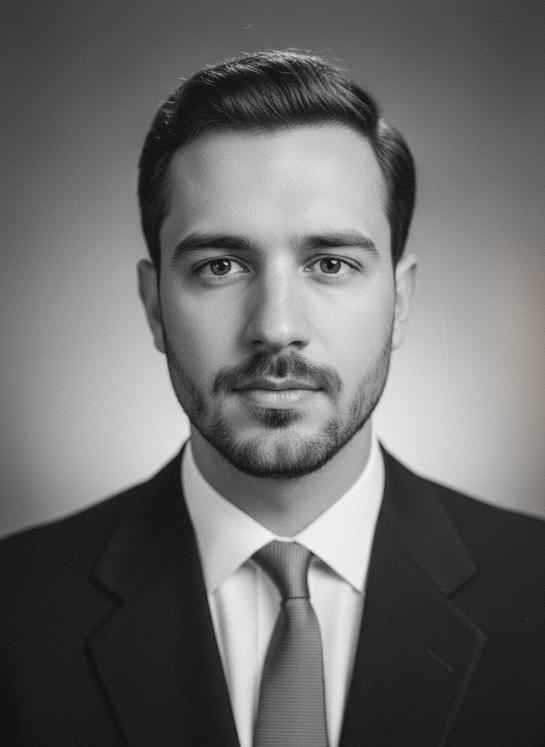
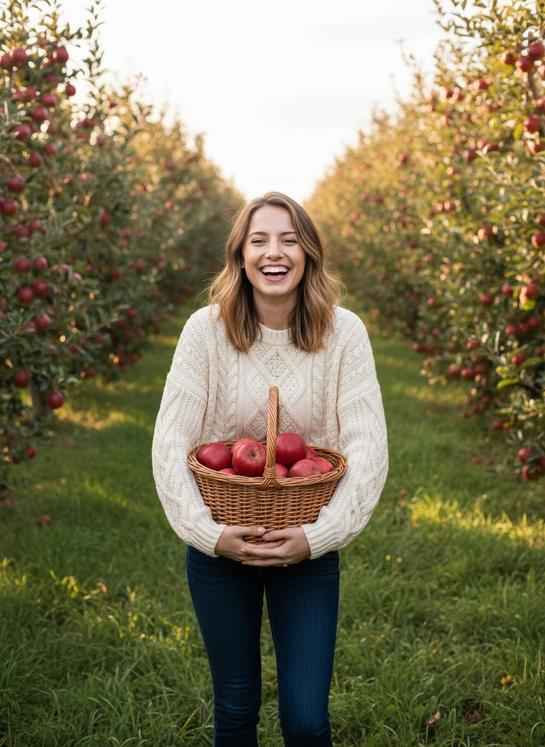
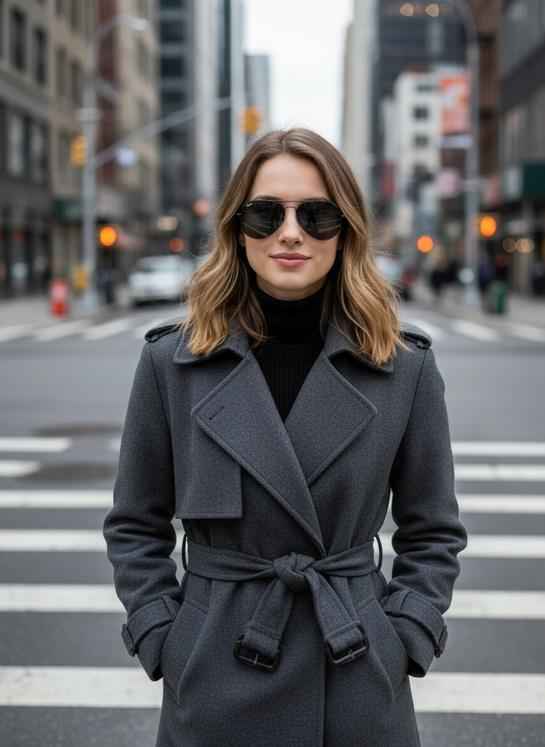
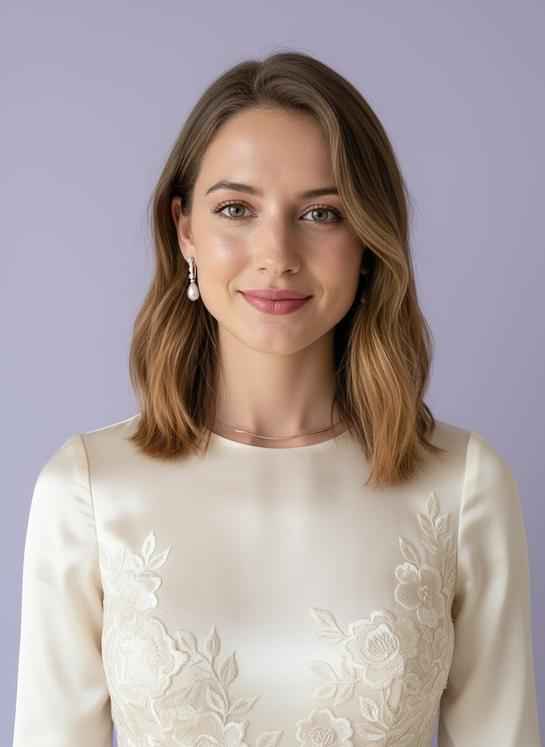
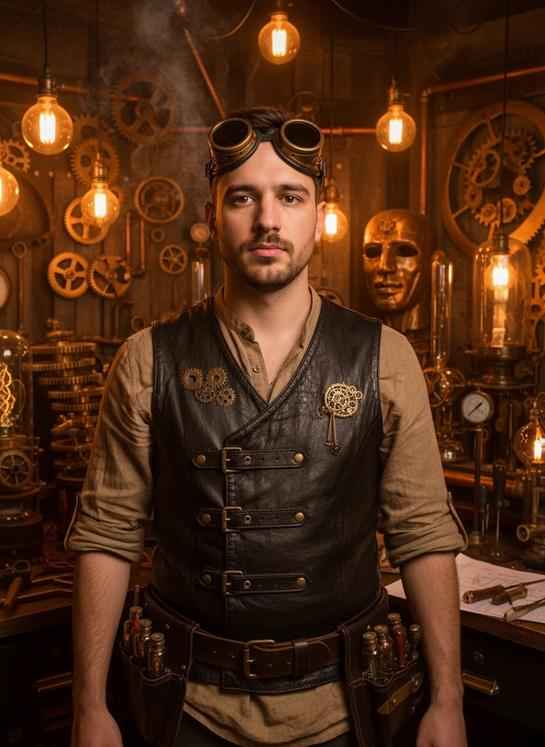
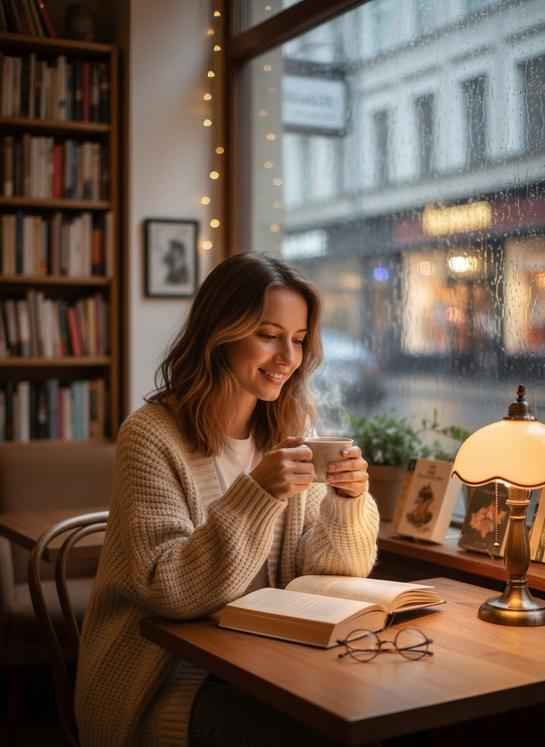
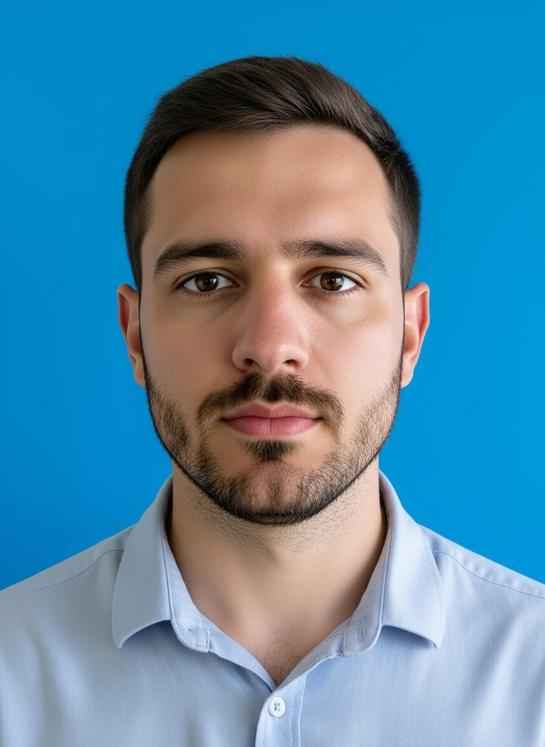
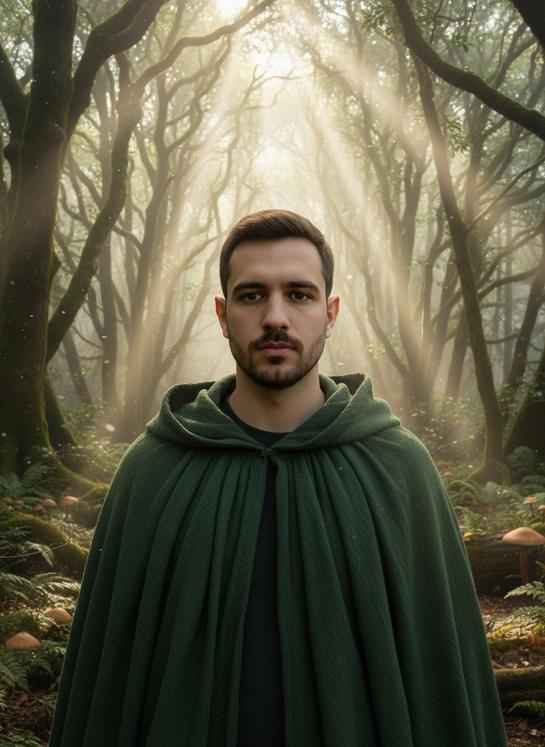
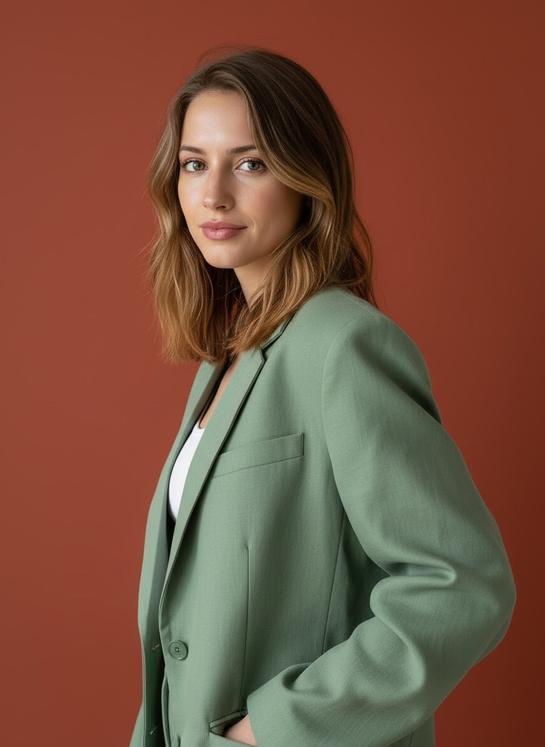
Turn your photo into a 1950s, 1970s, 1980s or 1990s portrait with period clothing, hair styling and authentic film grain.


 1950sReady in about 15 seconds
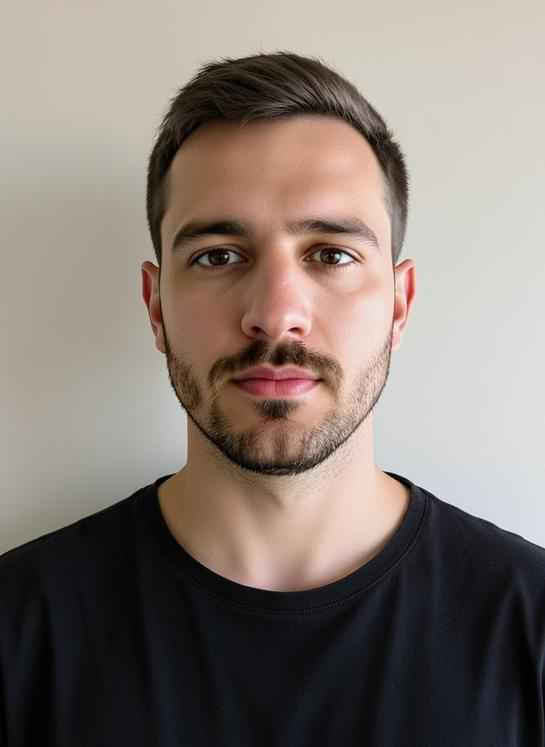
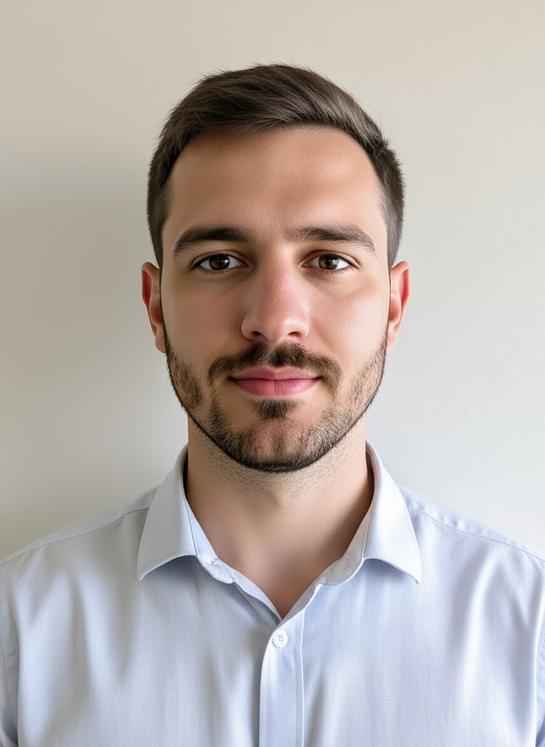
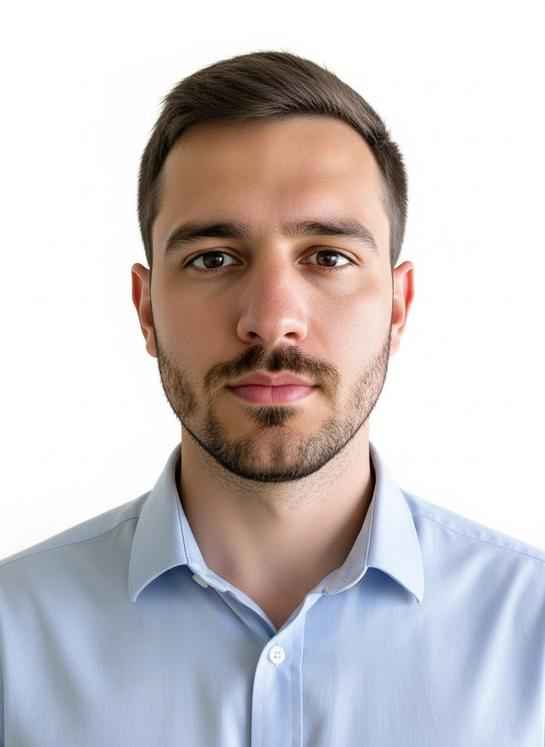
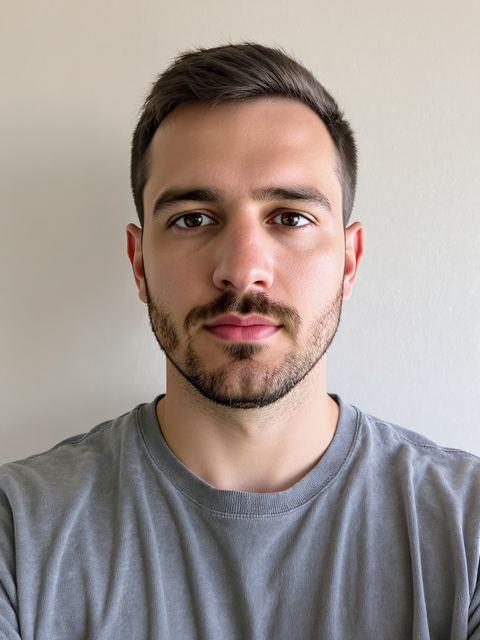 Your selfie
The pack
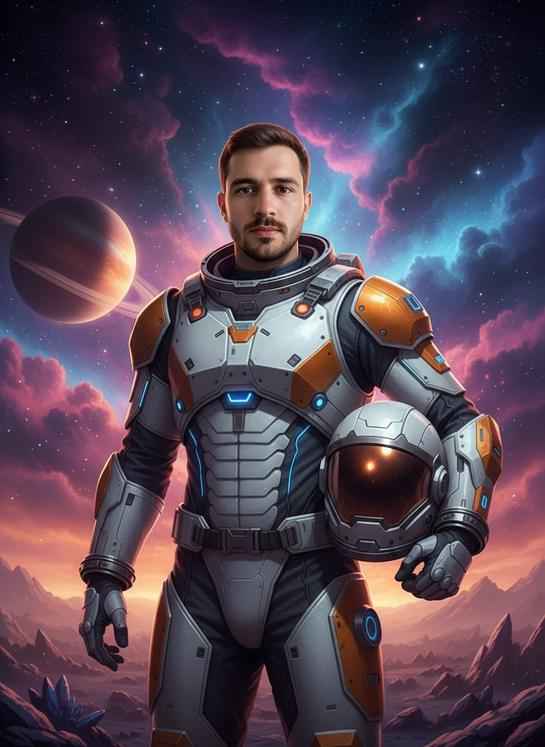
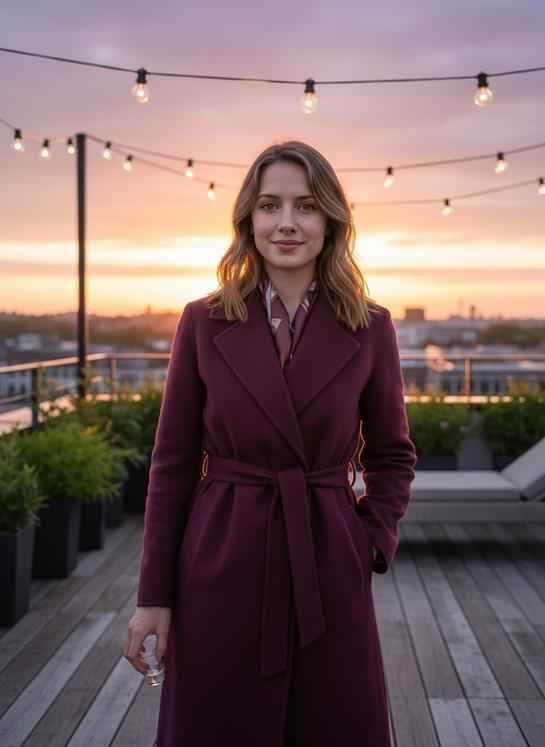
Examples use fictional, AI-generated people.
Under the hood
Every look is a plain-English instruction. Copy one, use it as is, or edit it in the studio to change the outfit, setting or mood.
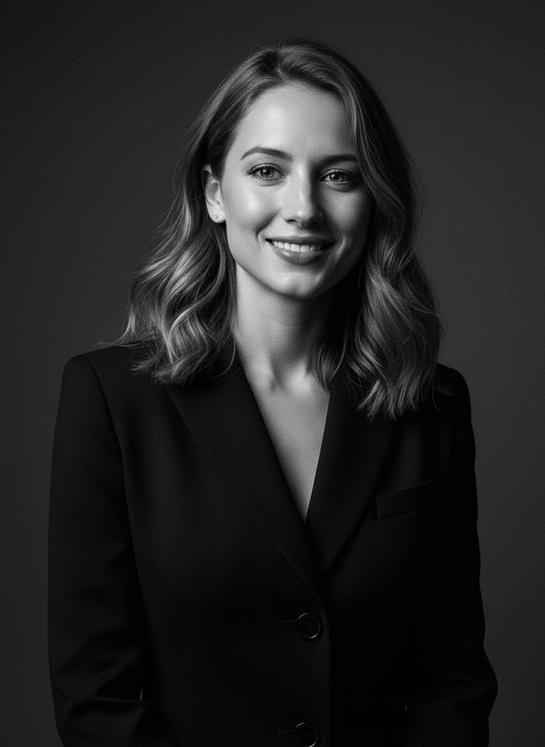
Turn this into a 1950s black and white studio portrait: period clothing and hairstyle, soft classic Hollywood lighting, fine film grain, slightly faded tones. Keep the same person: identical face, facial features, skin tone, hair and expression. Photorealistic, natural skin texture, no beauty filter, no extra people.
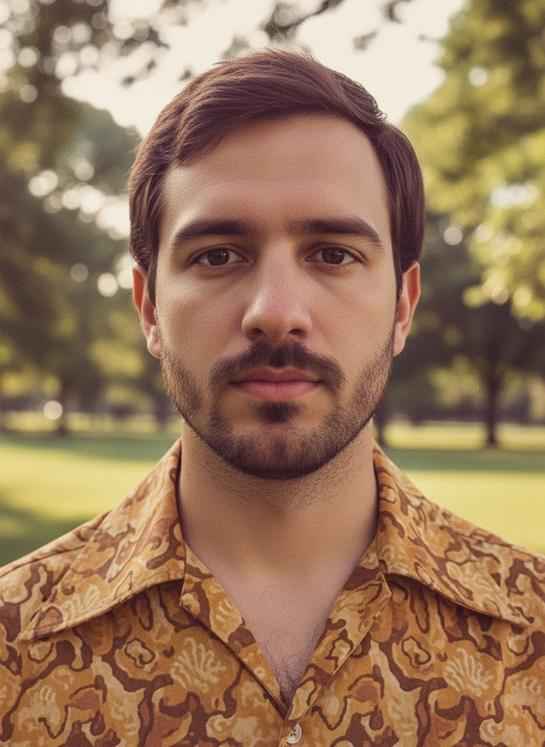
Turn this into a 1970s photo: warm faded film colors, flared collar shirt, period hairstyle, sunny outdoor setting, visible film grain and slight lens softness. Keep the same person: identical face, facial features, skin tone, hair and expression. Photorealistic, natural skin texture, no beauty filter, no extra people.
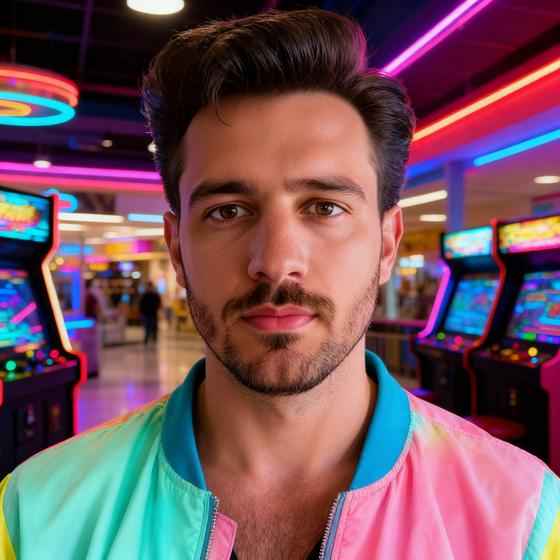
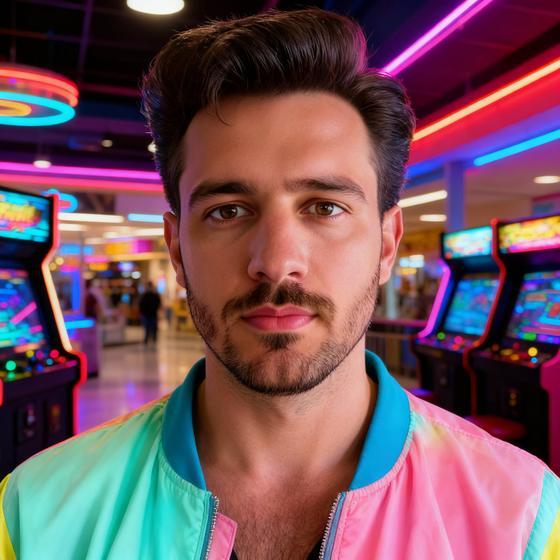
Turn this into a 1980s photo: bright pastel jacket, period hairstyle, colorful arcade or mall background, flash photography look with saturated color. Keep the same person: identical face, facial features, skin tone, hair and expression. Photorealistic, natural skin texture, no beauty filter, no extra people.
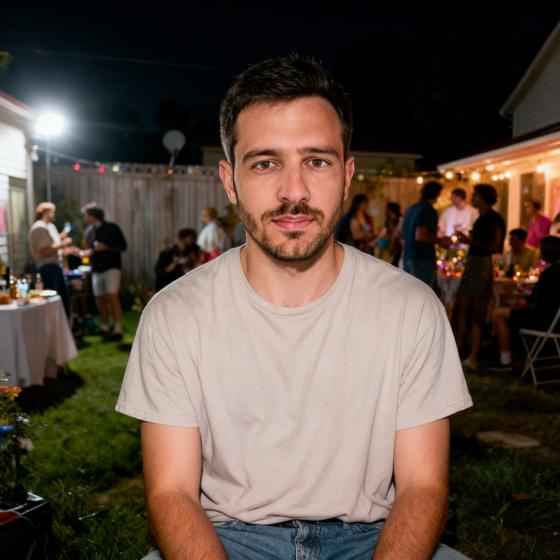
Turn this into a 1990s disposable camera snapshot: casual denim and oversized tee, direct flash, slightly grainy, candid party or backyard setting. Keep the same person: identical face, facial features, skin tone, hair and expression. Photorealistic, natural skin texture, no beauty filter, no extra people.
How it works
One photo is all it takes. No training, no waiting.
A sharp, front-facing photo with good light works best. No extra selfies, no waiting for a model to train.
Open the studio, choose a look, and tweak the prompt or switch the AI model if you like. Run up to four at once.
 1970s Ready in 15s
About 15 seconds per photo at 4 credits each. If a generation fails, your credits come back automatically.
New accounts start with free credits. A full run of this pack is 16 credits, and credit packs start at $2.
Upload one clear photo of yourself, choose a look from the Vintage eras pack, and press Generate. Each look takes about 15 seconds and you can run several at once.
No. One photo is enough. The studio edits your photo directly, so there is no training step.
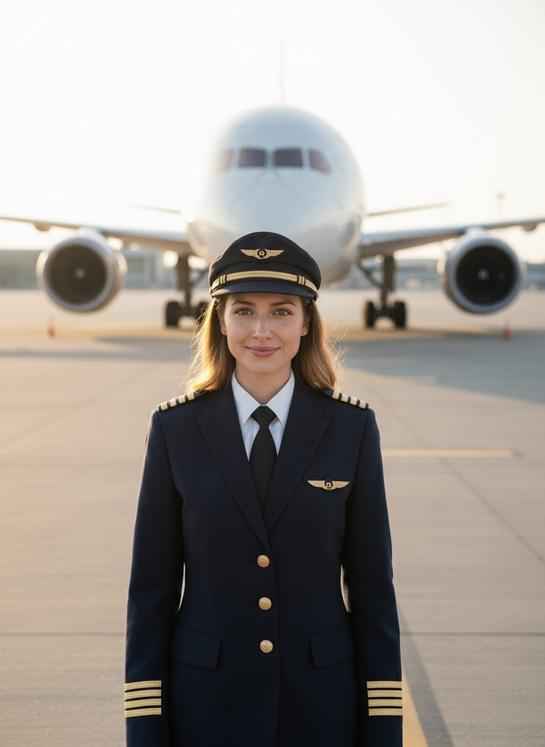
4 images so far, and more are added regularly. Open any of them to see its prompt, then you can edit the prompt or switch the AI model before you generate.
Each photo costs 4 credits. New accounts start with free credits, and credit packs start at $2. If a generation fails, your credits are refunded automatically.